What Is a Golf Cart Bill of Sale?
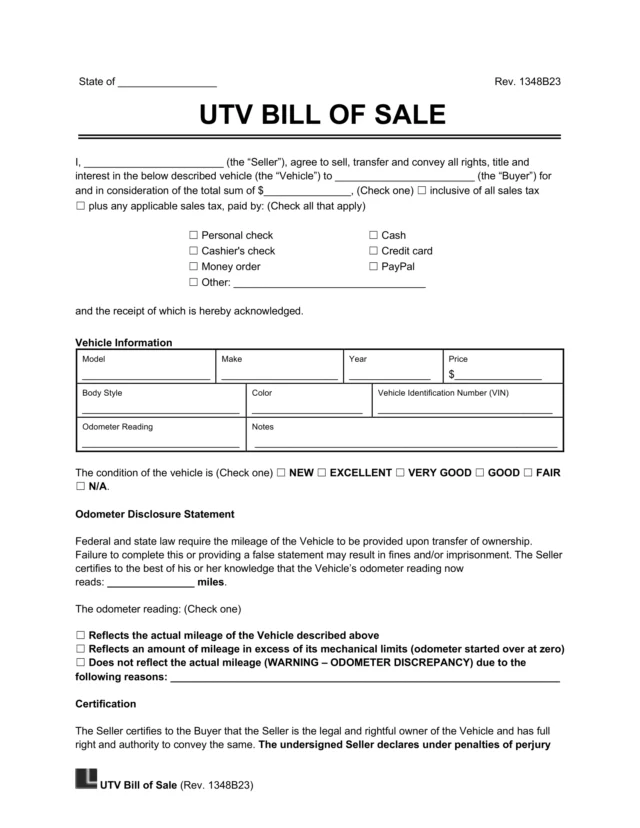
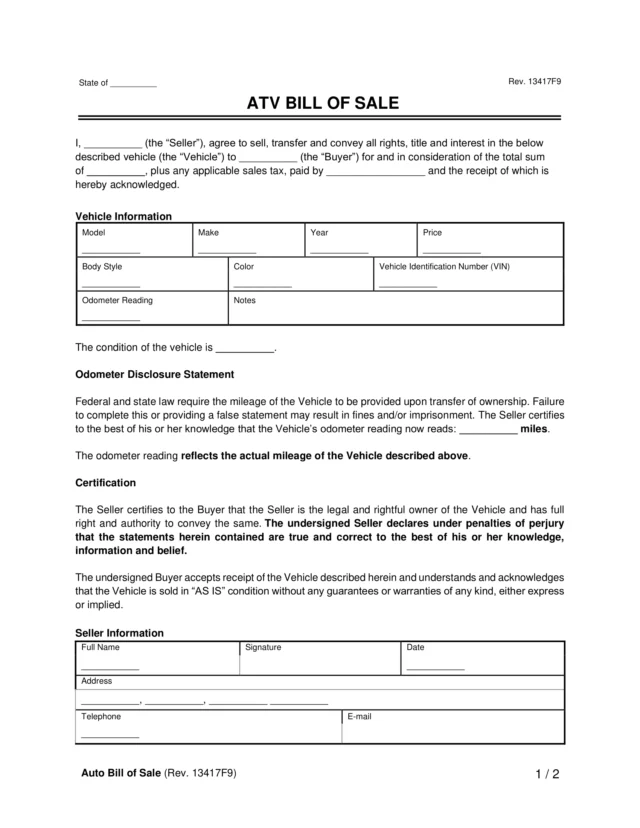
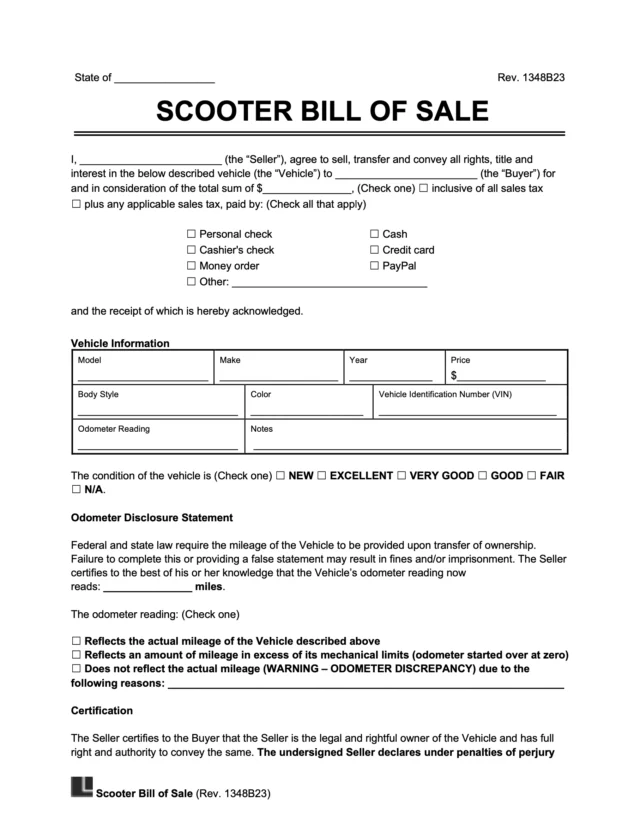
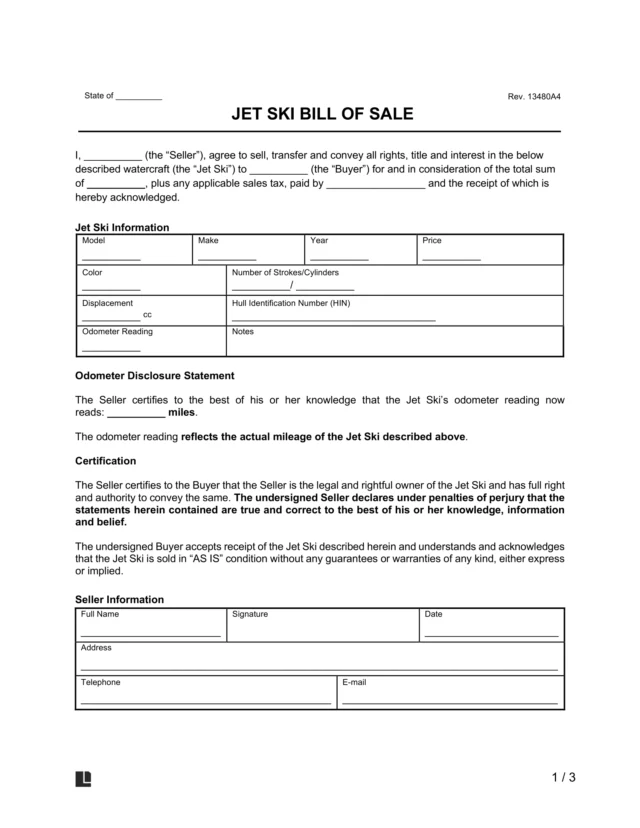
A golf cart bill of sale is a legal document that records the sale and transfer of a golf cart from one person to another. It lists key details about the sale, including:
- The golf cart’s description (year, model number, etc.)
- The sale price
- The names and signatures of both the buyer and seller
A golf cart bill of sale is a key document in proving ownership. Once signed, it confirms that the seller owns the cart and that the buyer is now responsible for it. Even if the golf cart is only driven on private roads and doesn’t require registration, a bill of sale can offer additional benefits. It reduces liability and protects against fraud.
If you plan to drive your golf cart on public roads, some states treat it as a low-speed vehicle (LSV). For example, in Florida, you’ll need a valid driver’s license to register it as an LSV (Florida Department of Highway Safety and Motor Vehicles). In California, golf carts must meet specific safety standards and may require registration and a license if used beyond the limits of a golf course or private property (California Vehicle Code § 21115).
When to Use a Golf Cart Bill of Sale?
You can use a golf cart bill of sale form anytime the cart’s ownership changes. You may need one when:
- Selling a used golf cart: This is especially important for private out-of-state sales that do not involve a dealership.
- Gifting the golf cart to someone: Written proof can help avoid future confusion and may be required for tax purposes.
- Trading the golf cart for another item or service: The bill of sale records the agreed-upon terms of the exchange.
- Selling a cart without a title: Older or off-road models often lack formal titles, so a golf cart bill of sale serves as the primary proof of ownership.
- Selling a high-value or customized golf cart: A detailed golf cart bill of sale documents the cart’s features and conditions, reducing the risk of disputes.
- Registering or converting the golf cart to a low-speed vehicle: Some states require a bill of sale as a part of the DMV or insurance process.
How to Sell a Golf Cart
Follow these simple steps to prepare your golf cart, find a buyer, and complete the sale properly.
- Inspect and clean your golf cart: Wash the exterior, inspect the tires, and ensure the brakes, lights, and battery (if electric) are in good working condition.
- Set a fair price: Research similar golf carts for sale in your area and adjust the price accordingly for your cart’s age, brand, and condition. Include any upgrades, accessories, or new batteries when estimating value.
- Advertise to find a buyer: List your cart online through local classifieds, social media, or golf community groups. Include clear photos, accurate specs, and any maintenance details.
- Create and sign a bill of sale: You can use Legal Templates’s free golf cart bill of sale to record the transaction. Both parties must sign the document to make the transfer official.
- Collect payment before handing over the cart: Never release your cart until payment has cleared. Only accept secure payment methods, preferably electronic transfers.
If your golf cart is electric, include details like battery life, charger condition, and any recent replacements in your listing. Buyers often look for this information first.
How to Write a Bill of Sale for a Golf Cart
A well-written bill of sale for a golf cart helps ensure the sale is clear and legally recognized. Here are the steps you should follow when writing your golf cart bill of sale.
1. Include Buyer and Seller Details
List the full legal names, addresses, and contact information of both the buyer and the seller. You should also include the date of the sale and the state where the transfer takes place, as some states require this information to register or title the golf cart as an LSV.
2. List the Golf Cart’s Details
Describe the golf cart in detail so it can be easily identified. Include:
- Make, model, and year of the golf cart
- Color and body style, such as two-seater, lifted, or utility-style
- The serial number, which serves as the unique identifier
- Power type, noting whether it is gas-powered or electric
- Battery details, including condition and voltage if applicable
Most golf carts don’t have a VIN like standard vehicles. Instead, use the manufacturer’s serial number to identify the cart. If there’s no odometer or hour meter, note that in the bill of sale so the buyer understands the cart’s usage isn’t recorded.
3. Note Custom Features and Accessories
If the cart includes upgrades or add-ons, make sure to list them in your bill of sale. For example, you can include details of custom wheels, rear seats, or cargo beds, chargers or spare batteries, lighting kits, or speed upgrades. Documenting these items helps prevent future disputes over what was initially included within the sale.
4. Add the Golf Cart’s Condition and Use History
Describe the overall condition of the golf cart. For example, state whether it’s “used,” “refurbished,” or “like new.” If possible, include details such as hours of use, maintenance performed, or storage conditions (e.g., kept indoors during the off-season).
To avoid confusion later, include an “as-is” clause that states the buyer accepts the cart in its current condition without warranties. This protects the seller from being held responsible for future repairs.
5. Specify the Purchase Terms
List the sale price, including any taxes, fees, or deposits. If the buyer is paying in installments or through a payment plan, describe the method and schedule.
6. Sign and Date the Document
Both the buyer and seller should sign and date the golf cart bill of sale form. Some states may also require notarization to finalize the transaction, especially if the golf cart will be titled or registered for road use. Be sure to check your state’s requirements through your local Department of Motor Vehicles (DMV) for accurate information.
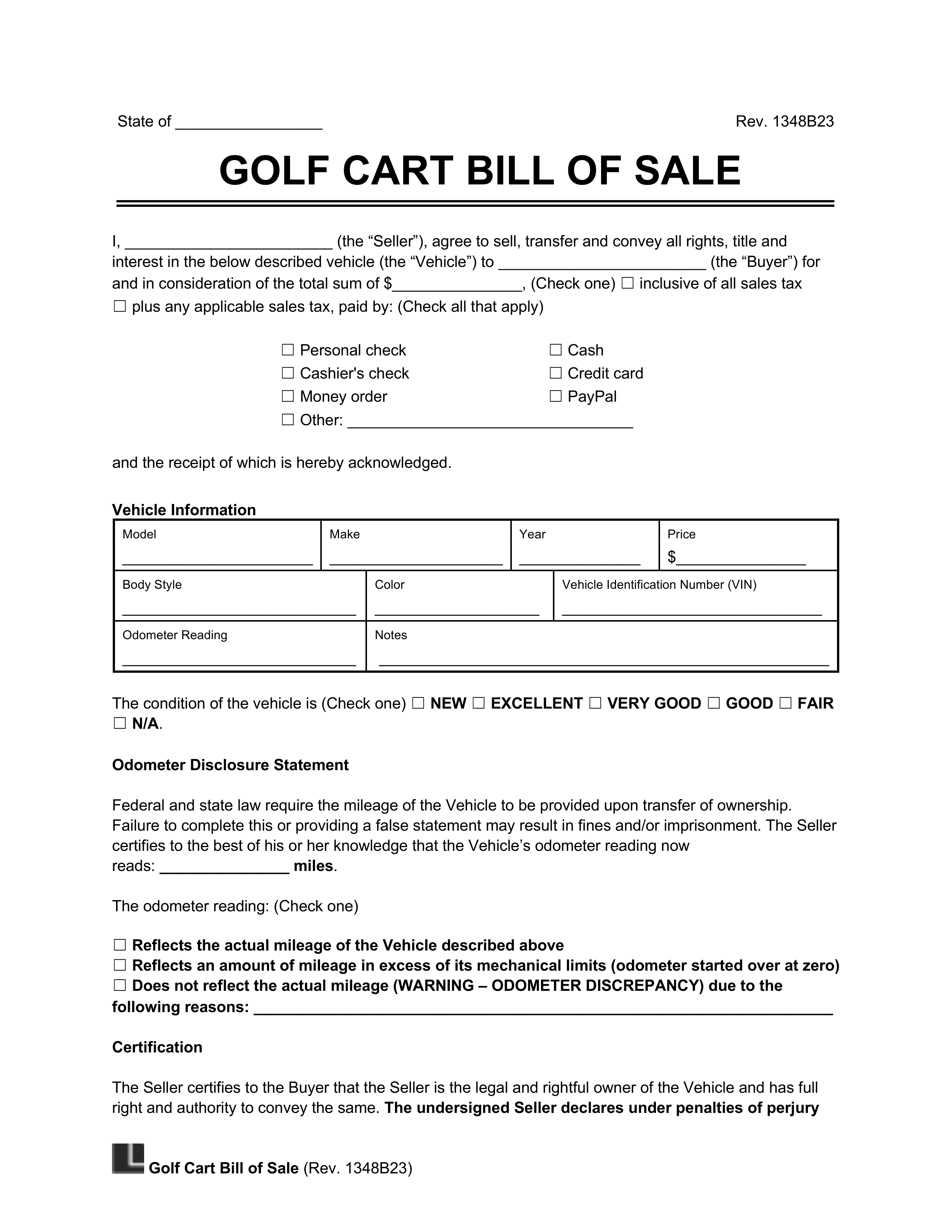
Sample Golf Cart Bill of Sale
View a sample golf cart bill of sale template below to see how to fill it out correctly. Follow our step-by-step questionnaire to enter your cart’s details, then download your completed document as a PDF or Word file.